Benjaminakela
Keen member
Hi all hope your all well
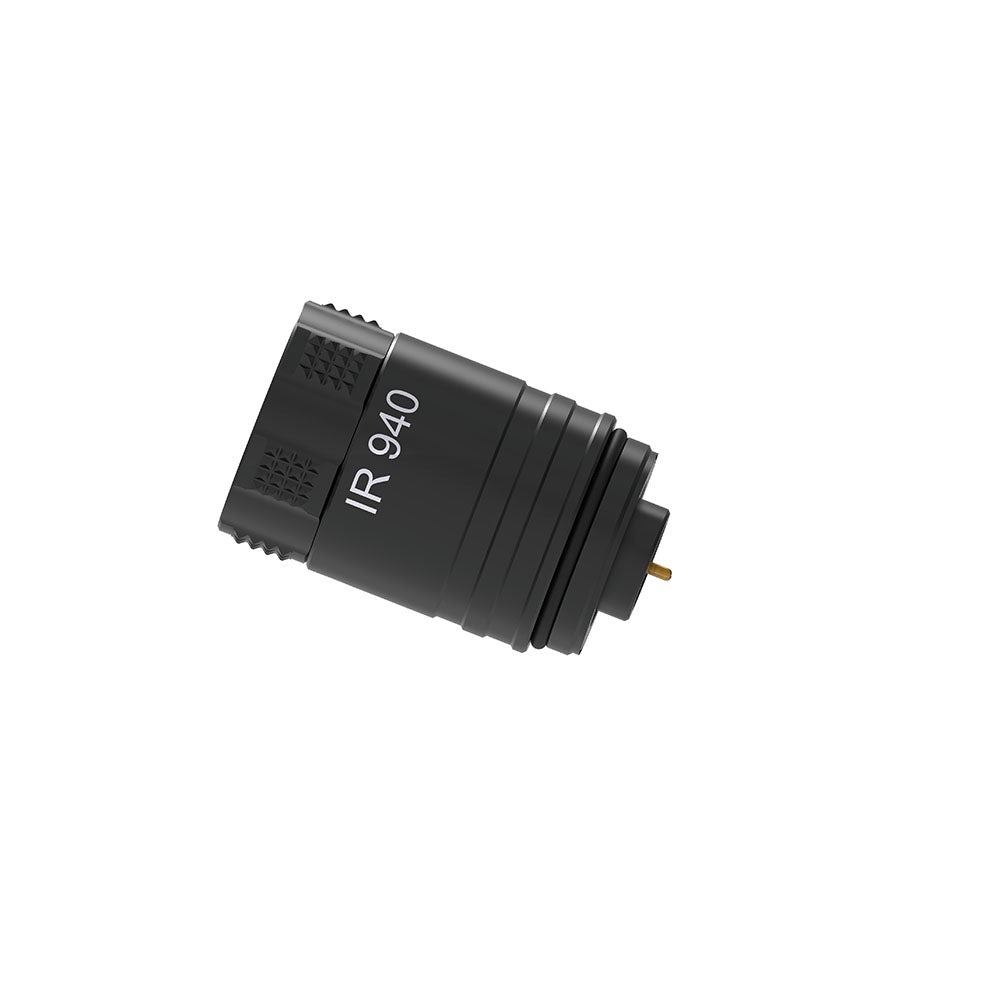
Bought a new DNT Zulus 3-12 at the weekend, literally a brilliant scope. IR isn’t exactly great on the 3-12, good enough for ratting just wish they kept the old laser IR.
What is the easiest way to save videos to iPhone, think at the moment I’m just bluffing doing it. They don’t seem to go straight into my gallery on the phone and have to search on the phone for the download.
I have a HIK alpex and it’s just so easy to save and download, IR can be sorted my end but regarding downloading videos seems to be a pain unless I’m doing wrong.
Anyone shed some light or have any how do’s to download videos easily
Thanks all
Bought a new DNT Zulus 3-12 at the weekend, literally a brilliant scope. IR isn’t exactly great on the 3-12, good enough for ratting just wish they kept the old laser IR.
What is the easiest way to save videos to iPhone, think at the moment I’m just bluffing doing it. They don’t seem to go straight into my gallery on the phone and have to search on the phone for the download.
I have a HIK alpex and it’s just so easy to save and download, IR can be sorted my end but regarding downloading videos seems to be a pain unless I’m doing wrong.
Anyone shed some light or have any how do’s to download videos easily
Thanks all